# [Post Fixes]: rlxos 2106 Fixes
Here are some fixes that need to be done manually for the smooth working of rlxos 2106.
## AppImages Integration
AppImages are not integrating automatically on hot directories.
- /Applications
- /opt
- $HOME/Applications
- $HOME/Download
### Reason
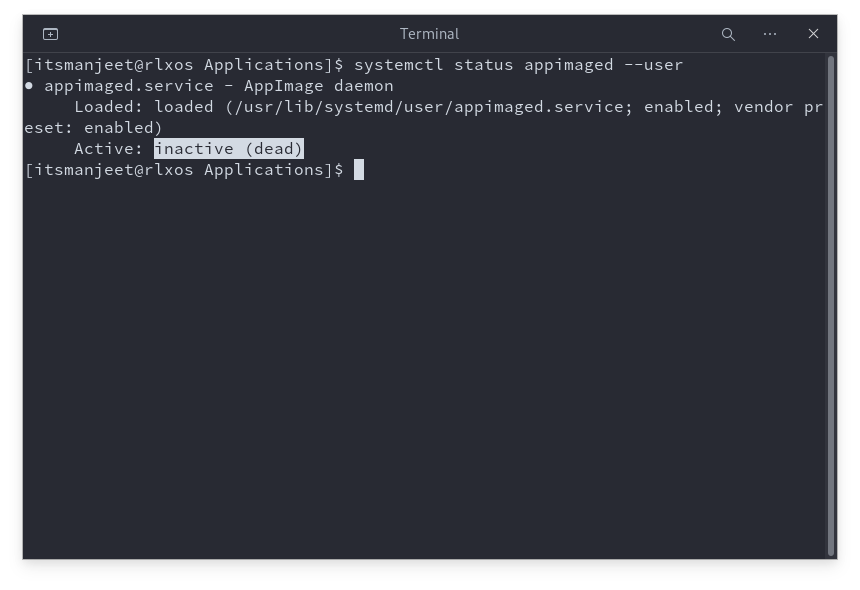
The most possible reason for this is that **appimaged** (the daemon that is responsible to integrate AppImages into the system) is **inactive**. To confirm the reason execute the below command.
```bash
systemctl status appimaged --user
```
### To Fix
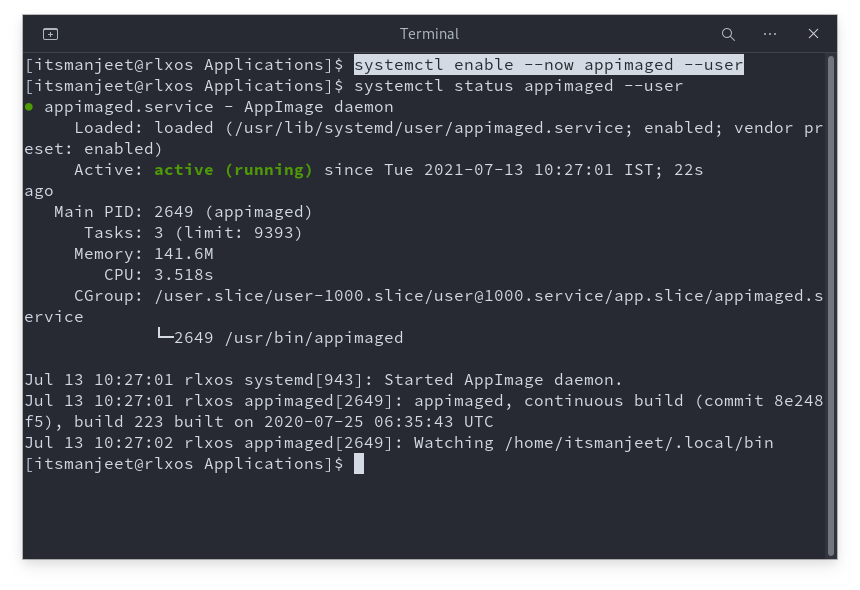
If it's showing the **Active** state as **inactive (dead)** then execute the following commands to enable and activate it.
```bash
systemctl enable --now appimaged --user
```
## AppImages are not working
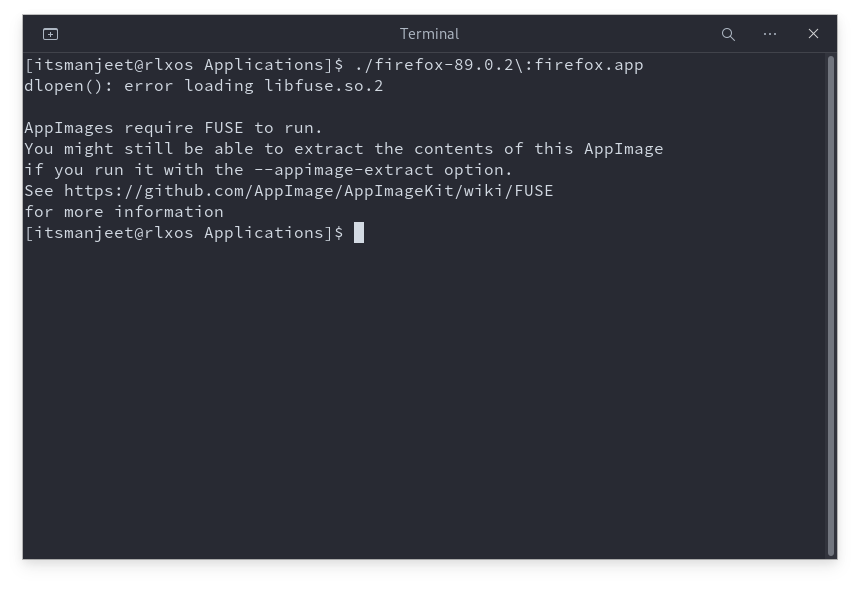
Some users report that the most common appimages like LibreOffice-fresh are not working out of the box in rlxos.
### Reason
Missing libfuse2.so library
### To Fix
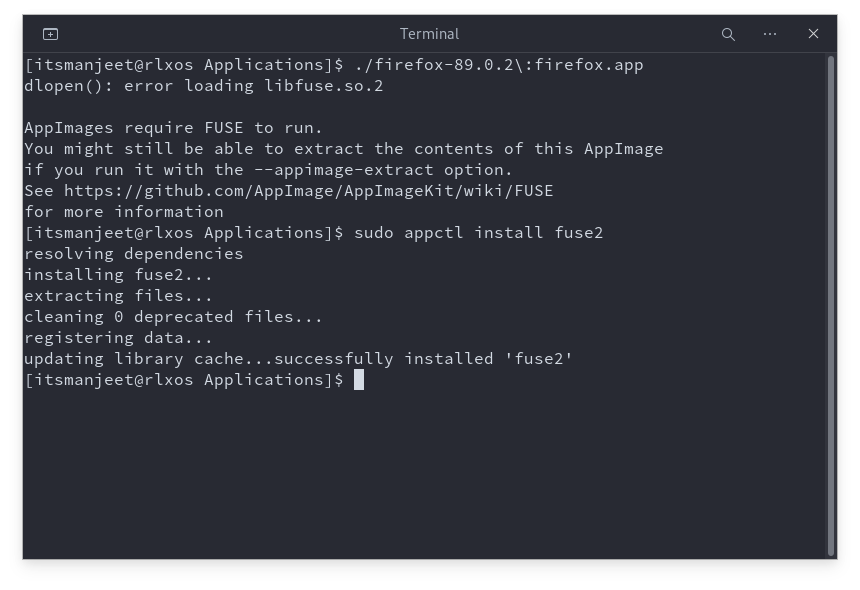
Install fuse2 package which provides libfuse2.so
```bash
sudo appctl sync
sudo appctl install fuse2
```
Cover Photo by JESHOOTS.COM on Unsplash